SONG REQUEST ON OLeTopRadioFM
METHOD 1
Auto Dj (No Dedication)
Type in Artist Name or Track Title inside the search box then click SEARCH. Song req can be any language. If the song you request is in Dj playlist it will list the song and you click REQUEST.
Taip Nama Artis atau Tajuk Lagu di dalam kotak carian, kemudian klik SEARCH. Lagu permintaan boleh dalam apa jua bahasa. Jika lagu yang anda minta ada dalam senarai main DJ, lagu itu akan dipaparkan dan anda boleh klik REQUEST.
RECENT SONG PLAYED ON AUTO DJ
INFO: IF YOU MISSED YOUR SONG YOU CAN SUBMIT AGAIN AFTER 1 HOUR TO PREVENT SAME SONG BEING PLAYED AGAIN)
engaging topic-based title for Submit Your Song: The Official Song Request Form for OLeTopRadioFM
Prepare track details in advance
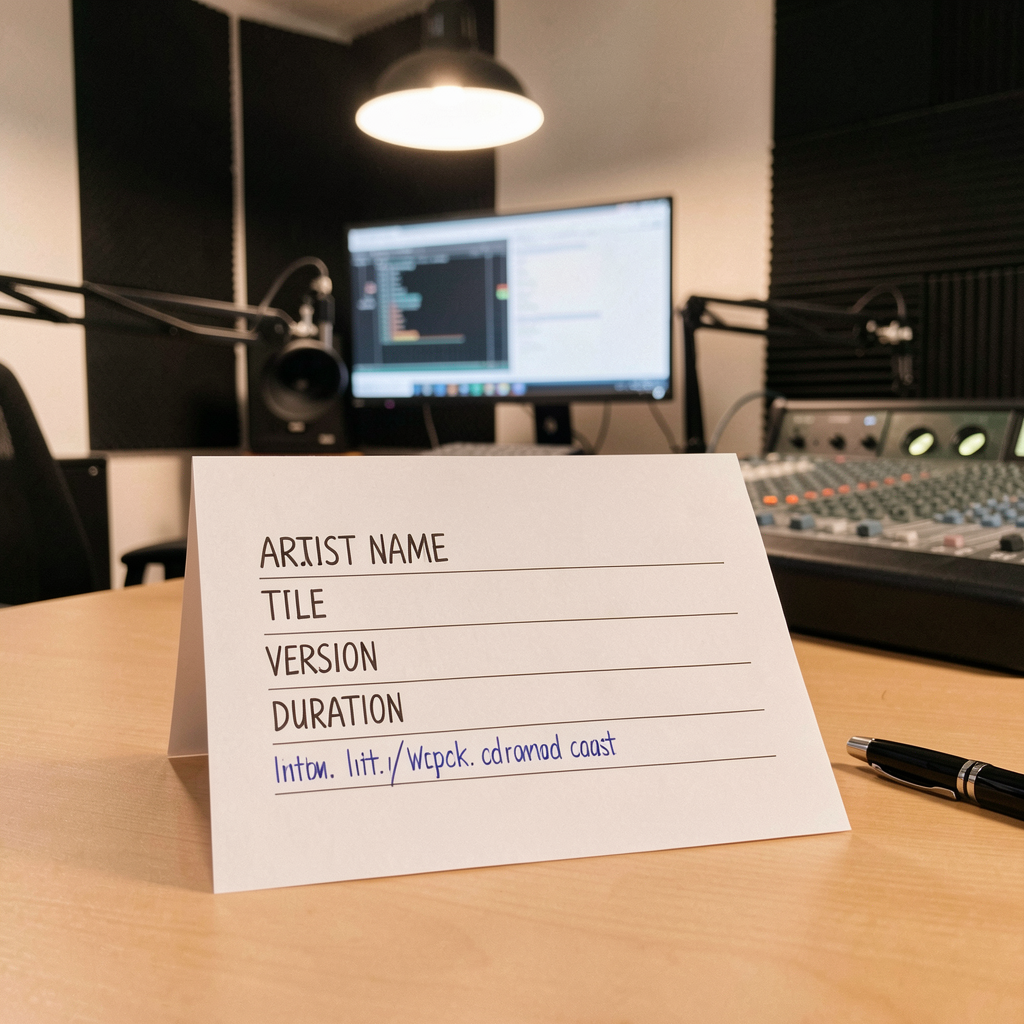
Gather essential information before submitting: artist name, song title, version, duration, and preferred broadcast time. Include clear file formats or streaming links, sample duration, and release year. Add concise notes for any special requests and a practical contact method to prevent back-and-forth and speed the review.
Proofread and verify data
Double-check spelling of artist and track titles, verify contact email, and confirm release year. Correct data reduces delays and prevents mislabeling in the queue. Use a short validation step or shared draft before final submission. Include a quick checklist to ensure required fields are populated, spellings are consistent, and metadata aligns with the submitted media.

Confirm rights and licensing
Ensure you hold on-air rights or have permission from rights holders. Note licensing terms and regional restrictions if applicable. Providing this upfront helps avoid takedown requests and speeds scheduling. Include any affiliation with a rights organization and a contact for clearance.